
MQ04UBB400 Data Recovery
Zero Alpha offers professional data recovery for MQ04UBB400. These 4TB drives can fail suddenly due to physical damage, firmware corruption, or unreadable sectors that prevent normal access to files. Users often report the device not detecting, freezing the computer, or showing read errors during file transfers. Our engineers diagnose the exact fault and recover data safely. We accept mail in jobs from Australia and worldwide.
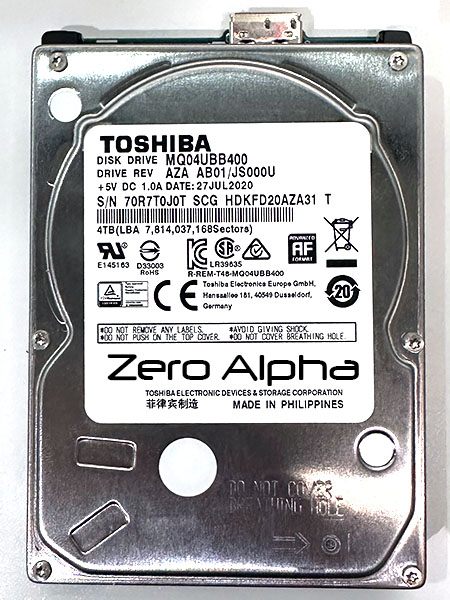
MQ04UBB400 Common Problems
- Drive not detected by Windows or macOS
- Clicking or beeping noises coming from the drive
- Slow or freezing performance when accessing files
- Corrupted file system or partition loss
- Physical damage from drops or mishandling
- Firmware corruption or service area failure
- Power surge causing component failure
MQ04UBB400 Data Recovery Case Log
16Jul24 The drive is freezing up the system. Ids. Needs Sata convert to G4311A.
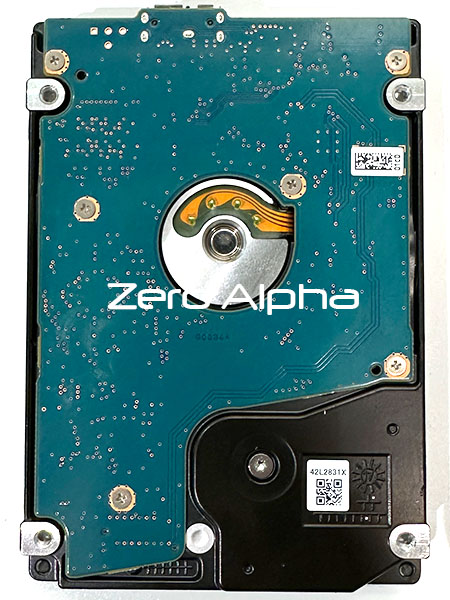
PCB G0034A
MQ04UBB400 Freezing and Crashing Windows Data Recovery Caselog
06Mar26: This toshiba usb hard drive was mailed in from Mackay QLD for data recovery because it stopped detecting. It was removed from a DTCA40 4TB case. The smart error reporting shows that it is degrading fast and was shocked or dropped 14 times. After changing the G0090A Marvel 88i1017-nbd2 pcb to sata it would fully id but we had to change tech mode to get smart access. With tech off you still can't get data access.
Read sectors (100 000 000-1) ext error Device error detected "AMN;INF"
This problem happens because Toshiba drives have a dynamically loading translator to ram. If the heads don't pass an internal heads test then the translator can't load. If different real modes fail then the heads should be replaced. This drive only had to have its heads cleaned for success.