
Samsung S22 Ultra Data Recovery
Zero Alpha offers professional data recovery for S22 Ultra. Whether important photos, videos, documents, or other personal files have become inaccessible due to accidental deletion, physical damage, liquid exposure, software corruption, or a device that no longer powers on, we can assess the recovery options. We accept mail in jobs from Australia and worldwide.
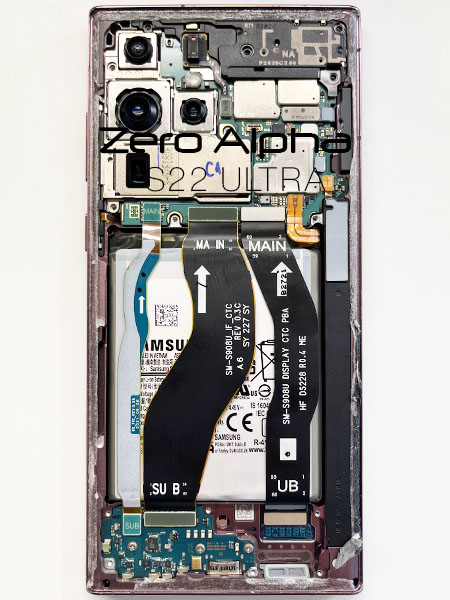
Common Samsung S22 Ultra Data Recovery Problems
- Accidental deletion of photos, videos, or documents.
- Phone no longer powers on.
- Physical impact damage preventing normal operation.
- Liquid damage causing the device to become inaccessible.
- Boot loop or device stuck during startup.
- Operating system corruption preventing access to user data.
- Screen damage making it impossible to access stored files.
- Device detected intermittently or not detected by a computer.
Dropped & Smashed S22 Ultra Not Turning on data recovery caselog
09Jul26: This S22 Ultra was dropped and it smashed most of the phone. It would not turn on and was showing 0 amps on the charge cable. We were able to get the phone to power back on using a new charge port. Its also possible that the power button was damaged and disconnecting the cable helped turn it on.