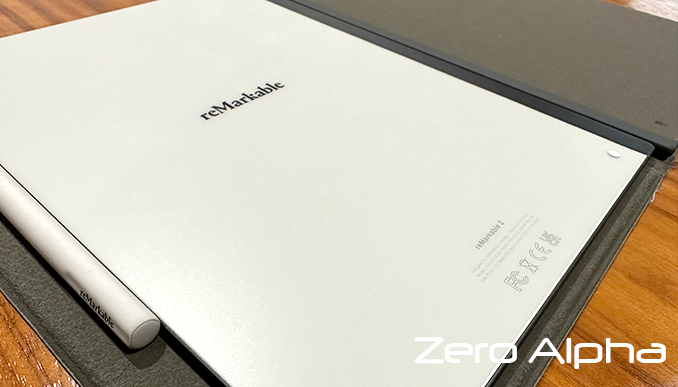
reMarkable Data Recovery
Zero Alpha offers professional data recovery for REMARKABLE, a digital paper tablet that uses internal flash storage. Models are commonly supplied with internal storage for notes, documents, and sketches. Users may experience issues such as devices not powering on, failed updates, boot loops, or data becoming inaccessible after a system fault or physical damage. We accept mail in jobs from Australia and worldwide.
reMarkable Common Problems
- Device does not power on or appears completely dead
- Stuck on boot screen after a firmware or OS update
- Internal storage not detected or corrupted
- Data loss after factory reset or failed synchronisation
- Physical damage causing loss of access to stored notes
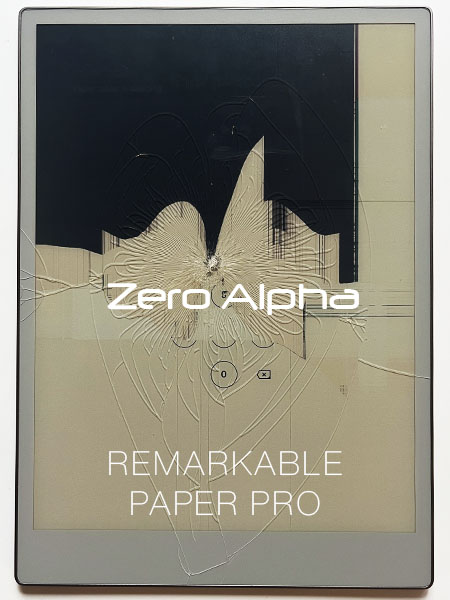
REMARKABLE PAPER PRO Data Recovery Caselog
17DEC25: This remarkable tablet was dropped causing the lcd to be damaged. It still turns on and has a backlight but you can no unlock the pin code. As of this blog there are no replacement lcd available for this model and older remarkable 2 tablets are not compatible. We replaced the lcd on this to get the notes data back for the customer. Notes files were recovered using the usb connection and web address mode. We saved the pdf and rmdoc.
Remarkable 2 Deleted Notes data recovery caselog
11May23: This case involves a reMarkable 2 tablet, and some notes that were deleted (and then deleted from the trash) but were needed later. The tablet is running Linux and, due to licensing requirements, root access is made easy to obtain via SSH. The connection details can be found by navigating to the Settings/Help/Copyrights and licenses/GPLv3 Compliance. The notes are contained in /home/root/.local/share/remarkable/xochitl. The eMMC storage does not appear to be encrypted or have TRIM enabled. This means we can conduct a scan for deleted files (or take advantage of the ext4 journal) after obtaining an image of the device's storage, at which point there are a couple of open source tools available that are capable (with varying degrees of success) of converting the note files to SVG or PDF format.