
Western Digital WD40NDZW Data Recovery
We offer professional data recovery services for WD40NDZW 4TB My Passport USB hard drives. If your Western Digital WD40NDZW is not being detected, making clicking sounds, or has suffered logical or physical failure, we can help. We accept mail-in jobs Australia-wide and have the tools and expertise to recover your important data securely and efficiently.
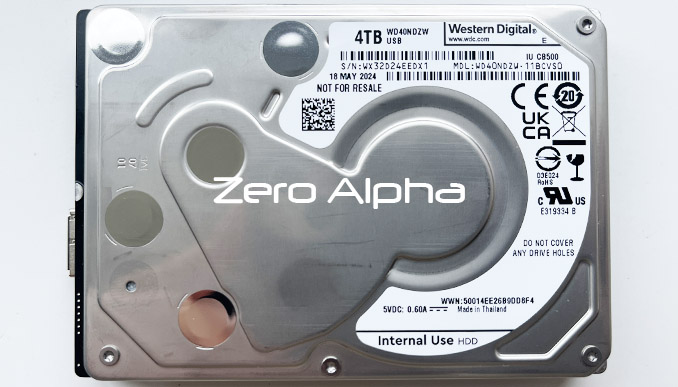
WD40NDZW Common Problems Western Digital 4TB My Passport
- Not Detected – Drive doesn’t show up or appears as uninitialized.
- Slow Performance – Takes too long to open files or transfer data.
- Clicking or Beeping – Signs of internal mechanical failure.
- Corrupted Firmware – Drive not recognized due to firmware issues.
- Bad Sectors – Causes file corruption or freezing during access.
- USB Connector Issues – Loose or damaged port preventing connection.
- Dropped or Physically Damaged – May cause internal failure or scratching.
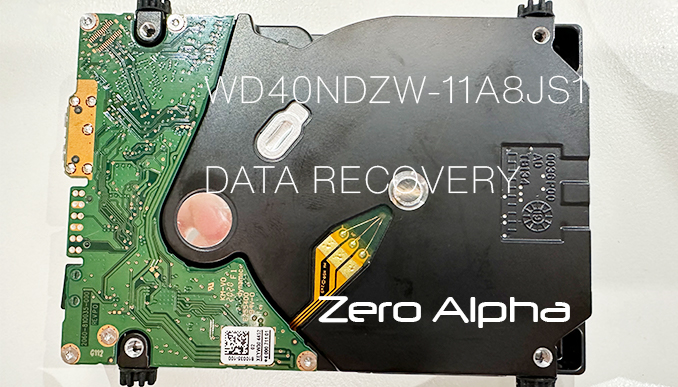
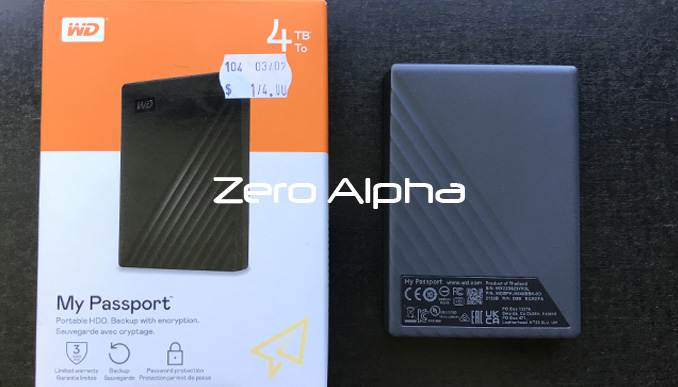
My Passport for Mac 4TB Data Recovery Caselog
15Jul26: 4TB WD My Passport for Mac stopped working and the owner lost access to their files and folders. Model: WD40NDZW-11MR8S1. Its not detected in windows disk management or mac disk utilty. Our test software can detect the id but says there is 424 bad sectors. The drive was reading very badly with tech mode. 5kb/s with many lose of readyness sectors. We saved T2 whole module. We change the read settings from LBA to PBA. Restored 2nd level translator. Speed changed to 5mb/s. PCB: 2060-800041-003 Rev P1.
WD40NDZW-11BHVS1 SpyGlass3 Data Recovery Caselog
This 4tb usb WD40NDZW-11BHVS1 was not detecting. We were able to recover all files again. Controller: 88i1054A1 0x(5471)
WD40NDZW-11A8JS1 Clicking and spin down data recovery caselog
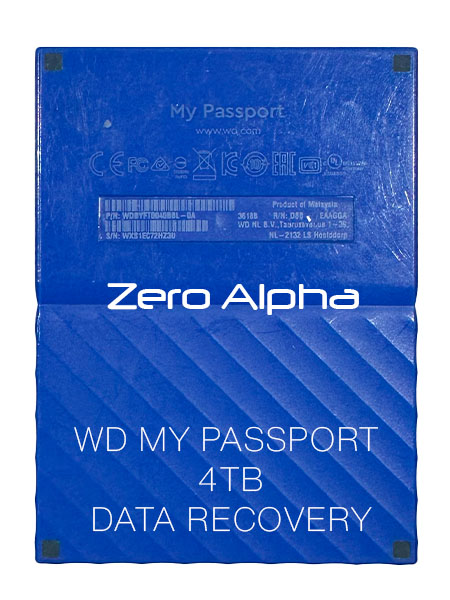
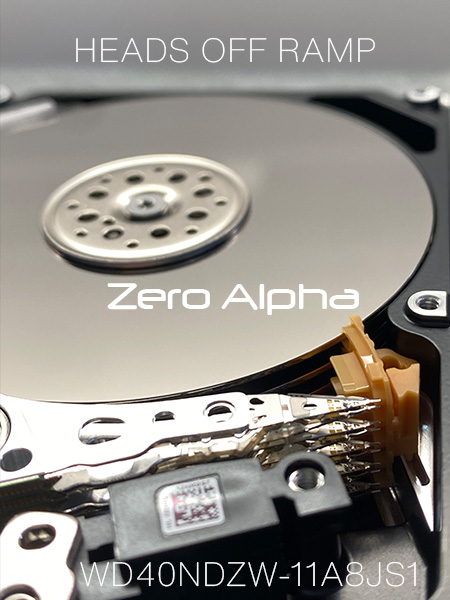
22Dec23: This hard drive will click for about 10 seconds before it spins down. After opening the drive to inspect the heads were knocked off the back of the parking ramp. I have never seen this happen before as the limiter should prevent this from ever occuring. Once heads get stuck together top and bottom like this then its very difficult to seperate them for reuse. Instead we will install a new set to recover this data.
Data Recovery Case Log: WD40NDZW-11BCSS0
12Feb24: Drive spins up and is detected via USB with kernel mode ID:
Model: WDC WD40NDZW-11BCSS0
Serial: WDC-ROM SN# XYZ----
Firmware: 01.01A01
Capacity: 0 MB (1)
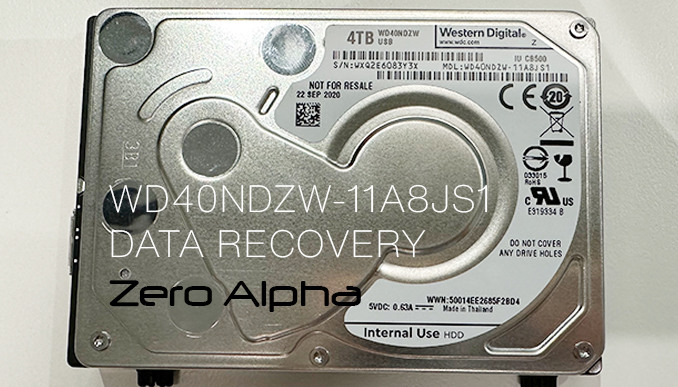
This indicates that the drive has problems in the service area. After unlocking the ROM, we can initialise the utility and perform a backup of SA modules. Module 02 is damaged, so we source a suitable copy from another drive and modify the drive ID parameters, writing this to the patient drive. This was the only SA repair necessary, rewarding us with full data access after repowering the drive.
Data Recovery Case Log: WD40NDZW-11A8JS0 Crushed Lid
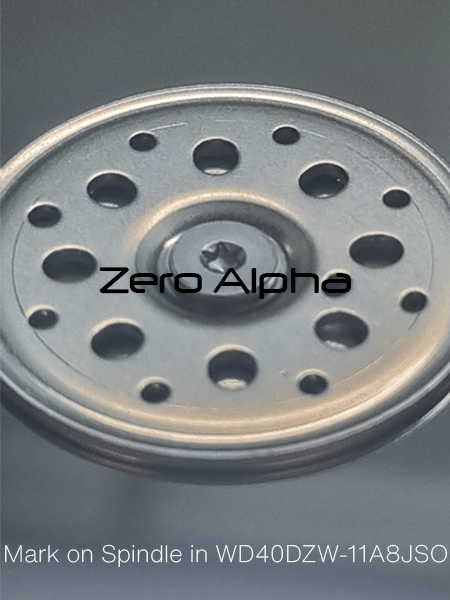
04Sept2024: A customer had been using her 4TB WD Elements Red hard drive for years to store MOV files. Her drive, equipped with a WD40NDZW-11A8JS0 internal disk, had always been reliable until one day it began to emit a clicking noise. The clicking noise is a common symptom of mechanical failure such as a stuck read/write head or a damaged platter. This issue often leads to read errors and potential data loss. The spindle in a hard drive is a crucial component responsible for rotating the platters, which store the data. These platters spin at high speeds, enabling the read/write heads to access different data sectors. A scratch on the spindle or its associated surface can occur due to physical damage, manufacturing defects, or contamination.
Zero Alpha was able to access the data area again by replacing the heads. Donor matching was recorded. The T2 translator was zero filled.
After implementing the advanced techniques, our team successfully identified and recovered several MOV files that had been scattered across the drive. The files were restored in their original format, ensuring that the customer received her valuable video content intact.
WD40NDZW-11A8JS1 Not spinning data recovery caselog
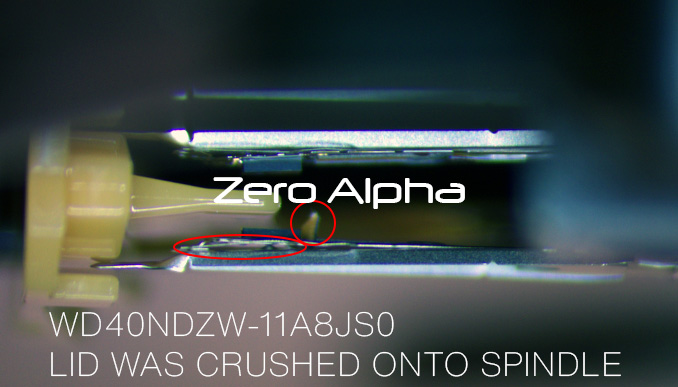
07Mar25: This WD elements 4tb WD40NDZW-11A8JS1 hard drive does not spin up when connected to a pc. It has physical damage internal.
WD40NDZW-11A8JS1 Snapped USB Interface Data Recovery Case Log
11Jul25: The USB interface has snapped off the PCB after being dropped. PCB number: 2060-800041-003 rev p1
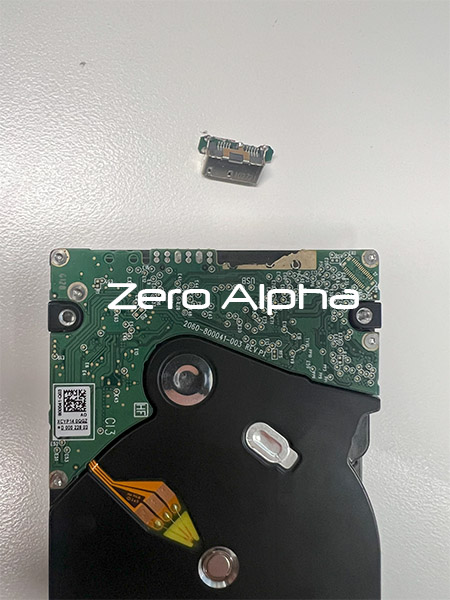
WD40NDZW-11BCVS0 WD My Passport Click of Death Data Recovery caselog
18Jul25: This WD My Passport was dropped onto the ground and started making the click of death sound when plugged in. We successfully recovered this western digital 4tb usb hard drive at our Brisbane data recovery service centre. Model: WD40NDZW-11BCVS0, PCB: 2060-810035-000, Family: SpyGlass3 SED.
Water Damaged WD Elements SE WD40NDZW-11MR8S1 Data Recovery Caselog
10NOV25: Customer brought in water damaged 4 TB WD Elements SE PN: WDBJRT0040BBK-EA. The hard drive was in the bag where water bottle was spilled. The hard drive is clicking. PCB : 2060-800041-003 REV P1.The corrosion has been cleaned. The drive sounds normal and IDs.It detects as unallocated in Windows. It is SED locked. Spyglass2. In the utility: To be able to create utility based DE task, start "Prepare to get UA PBA access". Can not read the data in the data extractor. Ace reports that the firmware is damaged and not to try read it in the DE or do any quick analysis. It needs to be SED unlocked and second level translator restored. https://blog.acelab.eu.com/western-digital-smr-formatted-drive-solution.html . ROM 25Q40EWVIG.
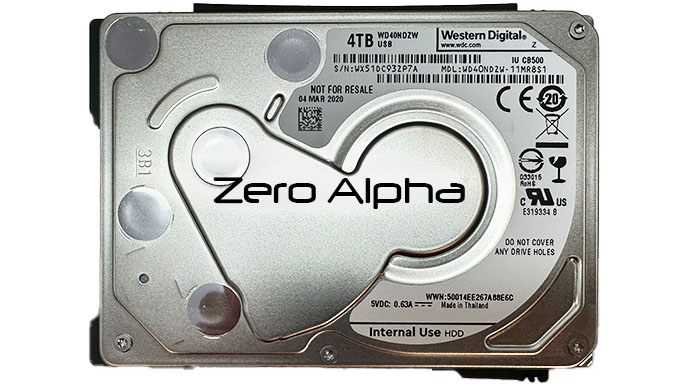
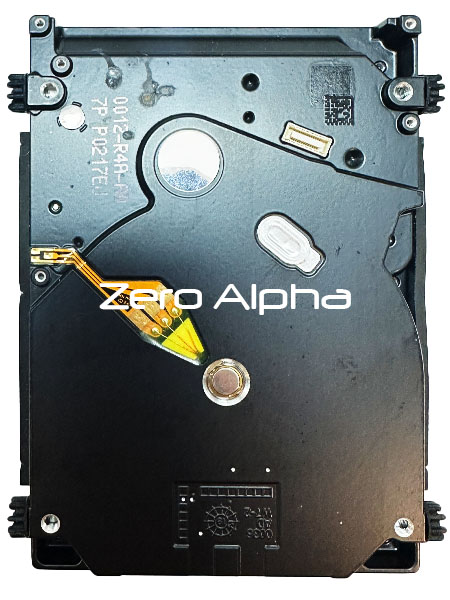
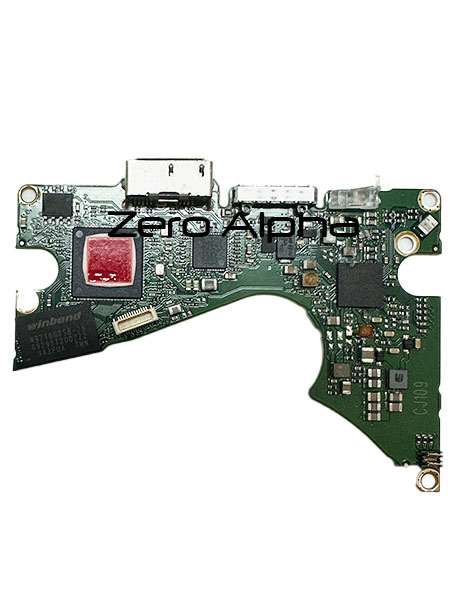
No Data Access WD40NDZW-11BCSS0 Data Recovery Caselog
5Feb26: Customer mailed in the hard drive from Melbourne. He has been quoted thousands of dollars for data recovery from another company so they have mailed in to Zero Alpha for the lowest price. The hard drive is spinning and detecting but it has no data access. It is SED locked. PCB: 2060-810035-000 REV P0. The drive is from a My Passport for Mac. WDBA2F0040BBL-0B.
Family:................................. : SpyGlass3 2.5"
Techno mode key......................... : Ok
HDD Status sector....................... : Ok
RAM:
System controller (SoC)................. : 88i1054A1 (0x5471)
HDD Info reading........................ : Ok
Heads number............................ : 8
Cyl Count............................... : 384
ROM:
Read ROM................................ : HDDs ROM reading error VSC Command error: SED DRIVE LOCKED
Relocations............................. : 0 (0)
Read ROM DCM............................ : Ok
Power up log reading.................... : RAM Table reading error VSC Command error: SED DRIVE LOCKED
Service area:
SA dir reading (ID)..................... : Ok
Dir items loaded........................ : 0
HDD has been prepared for data recovery
SA Access............................... : Copy 0,Copy 1
Configuration reading................... : Module ID 02 reading error VSC Command error: SED DRIVE LOCKED
DCM in module 47........................ : Module ID 47 reading error VSC Command error: SED DRIVE LOCKED
DCM in module 0A........................ : Module ID 0A reading error VSC Command error: SED DRIVE LOCKED
DCM in module 02........................ :
To be able to create utilty based DE task, start "Prepare to get UA PBA access"
Sectors 0(1) reading error; SPTI Command sending error; System Error. Code: 6.
The handle is invalid
S.M.A.R.T. Data reading................. : Ok
Not Detecting WD40NDZW-11BCVS0 Data Recovery Case Log
22Jun26: Does not detect over USB, stays spinning. Soldered SATA adapter and unlocked ROM. Fails to read 02, 25, 32, 12E, 190 with DISK ECU UNSAFE ERROR. Backed up modules, checked SA writing ability, restored damaged modules (except 190 obviously) from donor firmware and corrected ID in mod 02. We also lock UA writing so the drive will not try to update the T2. With these changes the drive comes ready, but due to T2 damage the data area is not accessible. The 2nd level translator (mod 190) is missing the metadata section at offset 0xEC4000, there is a 56KiB unreadable gap. There is another unreadable section spanning 2MiB later on. PC3000 was unable to rebuild a working version.
23Jun26: Used older T2 reconstruction tool that allows manually selecting correct versions of relevant LBAs and successfully located a working filesystem. Due to the speed limitations of PBA mode reading it took 8 continuous days to save all this customer's data.
Clicking WD40NDZW-11BYXS0 Data Recovery Case Log
10Sep26: Drive was clicking and spinning down. SED lock was identified and ROM unlocked, followed by SATA conversion. Testing confirmed H0 was defective and preventing reliable access to the data. A WD My Passport 4TB donor drive, WD40NDZW-11BCVS1, was sourced; although the donor had physically mismatched heads, it was the closest suitable donor available, so an MHA swap was attempted. Following the swap, the drive initially spun up and came ready but then spun down, preventing access to the data. The customer also advised that the drive had previously been dropped, consistent with physical damage. All available recovery options were exhausted.
Debug Stop Code.: 1BC13 - TRANSLATION BLOCK INFO BAD HEAD
08Oct26: WD40NDZW-11BCSS0 4tb wd had stiction problem where heads were jammed to platters. The pcb: 2060-810035-000 Rev P0 was converted to sata. They needed to be replaced and we can get the new heads to read but we get this error reported: Debug Stop Code......................... : 1BC13 - TRANSLATION BLOCK INFO BAD HEAD. This error message may be a flag that is set when heads are not working either by reprogramming the rom or if they are actually not working such as the weak H0. We can fully backup the system area with 411 blocked. You can't access pba mode like this. We turned all heads back on in the rom and enabled 411, once we rebooted the drive we got a full id and data access. The drive has 8 heads. Tool: W2-5. H0 & H7 we're reading ok in certain sections but we're but had the hardest time reading. The remaining heads were fast. We we're able to recover the customers files and folders.